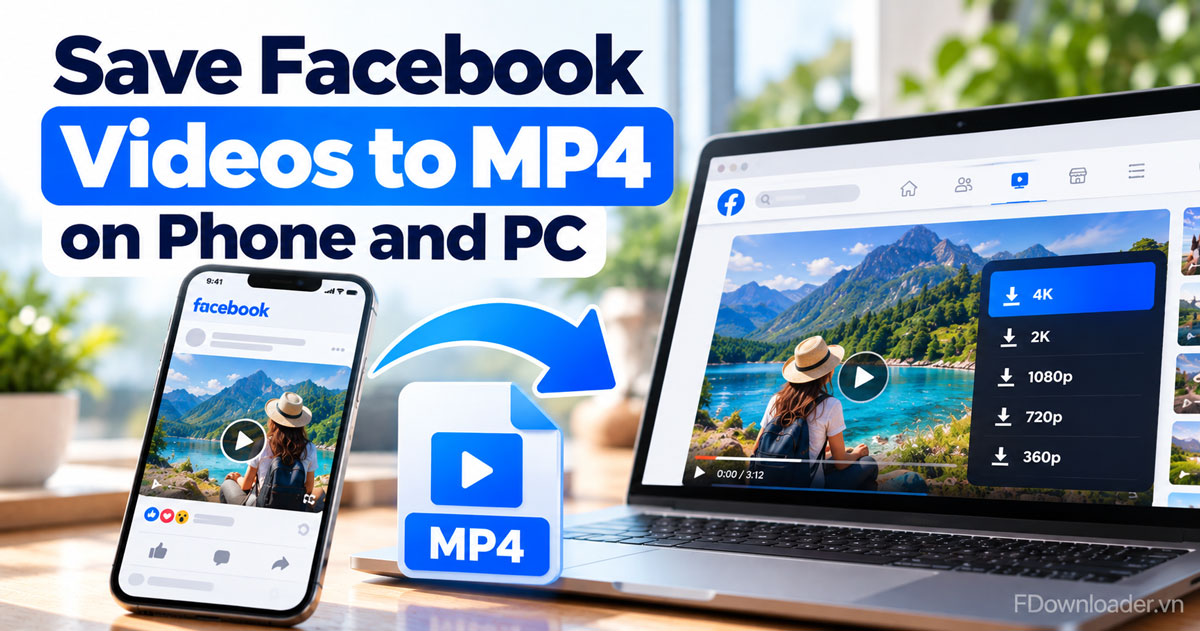
Facebook Video to MP4: How to Save FB Videos on Phone and PC
Save a public Facebook video to MP4 on Android, iPhone or PC: copy the link, paste it and pick a quality from 360p to 1080p, 2K or 4K. No app, no login.
Save Facebook videos to your phone or computer in seconds in Full HD 1080p, 2K or 4K, or convert them to MP3. No login, no software required.
100% free, no sign-up, and your videos are never stored.
FDownloader.vn saves Facebook videos as MP4 or MP3 in any quality from 360p to 4K, right in your browser and completely free.
The fastest way to download a Facebook video is with FDownloader.vn: copy the video link, paste it into the box above, pick a quality and hit Download. The file saves within seconds.
Open the Facebook app or website, find the video you want, tap Share and choose Copy link. On a computer you can also grab the link straight from the browser address bar.
Head back to FDownloader.vn, paste the link into the input box and hit Download so the system can analyze the video.
After a few seconds you'll see every quality the original video offers, from 360p up to Full HD 1080p, 2K or 4K, plus an MP3 option. Pick one, hit Download, and the file lands in your Downloads folder.
Save a public Facebook video to MP4 on Android, iPhone or PC: copy the link, paste it and pick a quality from 360p to 1080p, 2K or 4K. No app, no login.
That covers everything you need to download Facebook videos; next are quick answers to common questions.
FDownloader.vn is a free online Facebook video downloader that saves FB videos to your device as MP4 or MP3 in any quality from 360p to 4K, with no software and no login.
Yes. FDownloader.vn never asks you to log in to Facebook, collects no personal data and never stores the videos you download; our server only uses the link you paste to fetch the original video file.
Just 3 steps: copy the Facebook video link, paste it into the input box at FDownloader.vn, then choose your format (MP4 or MP3) and quality and click Download. The video is processed and saved to your device in just a few seconds, with no download limits.
Yes. If the original Facebook video is available in 4K, 2K, or 1080p quality, FDownloader.vn will display those exact quality options so you can download the video in its original resolution with no quality loss.
Yes, 100% free. FDownloader.vn's Facebook video downloader requires no account registration, has no download limits, and charges no hidden fees.
On Android, videos land in the Downloads folder or the Files app. On iPhone they are saved to Files or Photos, depending on what you choose. On a computer, check your browser's Downloads folder.
First check that the link was copied in full and your connection is stable. If the video is set to Friends or Only me, use our private Facebook video downloader. Still stuck? Email contact@fdownloader.vn and we will help.
Copyright notice: FDownloader.vn is not affiliated with Facebook or Meta Platforms, never stores the videos or links you paste, and is intended for lawful personal use only, such as offline viewing or backing up your own content. Please respect content owners' copyright. See also: Privacy Policy, Terms of Use, Disclaimer.